Road, touring and classic
Touring runs, navigation rallies and classic road rallies take place on public roads. You follow a roadbook, track distance and average speed, and arrive at time controls on time. Rally Tripmeter's Tripmeter, Average speed and Liaison modes cover this. For timed average-speed sections, see the Regularity guide.
What you need
-
A plan that fits the modes you use.
- Free: Tripmeter and Map, for a limited distance each day (80 km by default). A bar under the clock shows what is left.
- Basic: Tripmeter and Map with no daily limit.
- Pro: Average speed and Liaison, and the other Pro modes, with no limit.
Without Pro, you can still drive the Pro modes each day on the free Pro fuel (40 km by default). A gauge under the app bar shows what is left.
To try the Pro modes first, use Demo mode. See Try it without driving and Licences and plans. - A mount the co-driver can read, and a charger. GPS with the screen on drains the battery quickly. - The roadbook and the time card from the organiser. - The Rally Time set to the official clock if the event has time controls (tap the clock in the app bar).
Allow 5 to 15 minutes to set the app up before the event.
Tasks
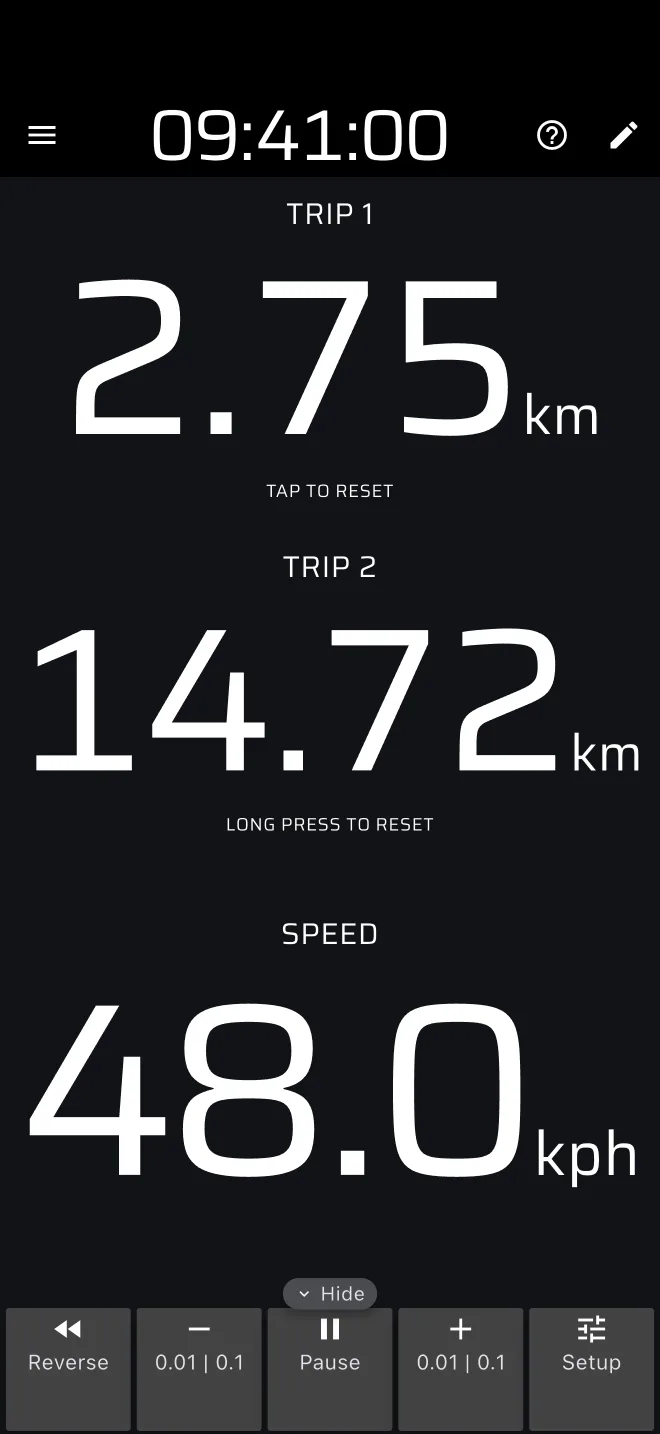
- Trips and averages: Trip 1, Trip 2, the average speed, corrections and Reverse.
- Time controls: the time card and the countdown to the next control.
- Timed average-speed sections: the Regularity guide.
Classic car tips
- Calibrate before the event. The app measures distance from GPS. It does not read the car, so a wrong speedometer or tyre size does not affect it. The calibration factor is only for matching the organiser's measured distance. See Calibration.
- Practise before the event. Drive a familiar road with the roadbook, or use Demo mode at home.
- Keep the display simple. Start with the default modes. Custom layouts can wait until you know what you want to see.
- Know what the long press does. By default it resets Trip 1 and Trip 2 together, so a bump on the road can zero your running total. Change it in Settings, group User inputs. See Trips and averages.