Hillclimb and sprints
A hillclimb is one timed run up a closed road. An autocross or sprint is a timed lap of a marked course. Race mode times the run with little setup, so it is a good place to start with the app.
For your own reference
The app times the run from the phone's GPS and clock. It is the crew's own reference. It is not official timing. The organiser's time is the result.
What you need
- Pro, or the daily Pro fuel, for Race mode. Without a Pro plan you can time runs each day on the free Pro fuel (40 km by default). See Licences and plans. To try it without driving, use Demo mode. See Try it without driving.
- A secure mount. A loose phone is a hazard in the car, and a phone that moves can lose its GPS fix.
- The Rally Time set to the official clock, if the event starts you at a scheduled time. Tap the clock in the app bar.
- Two to five minutes to set up a run. You can reuse a saved stage for every run on the course.
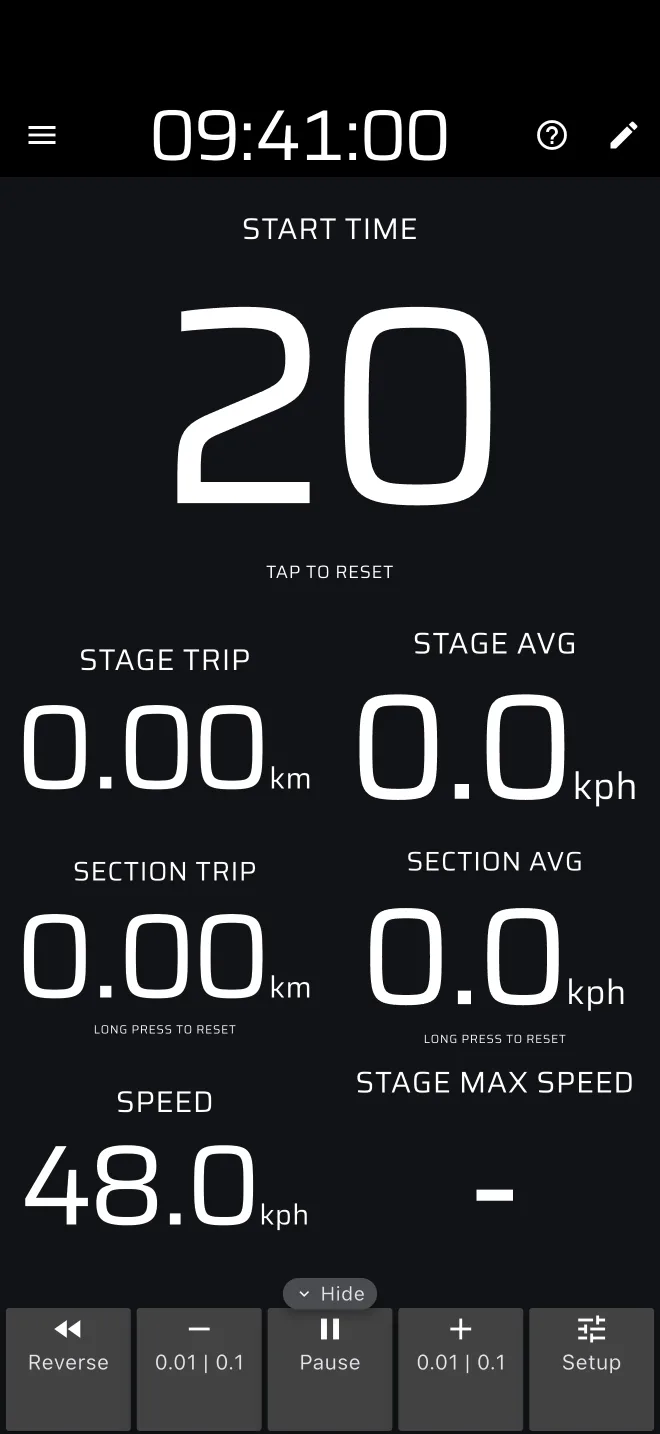
How a day flows
| When | What you do |
|---|---|
| Before your run | Open Race, load or set up the stage, choose how it starts and finishes. |
| On the start line | Wait for the starter. Tap the Stage Timer at the signal, or let a Time or Line start fire. |
| During the run | Watch the Stage Timer, speed and the highest speed. Drive. |
| At the finish | The run finishes by Tap, Time or Line. It is saved to History automatically. |
| Between runs | Compare the times in History. Tap the Stage Timer to clear the finished run, then load the stage again with From library. |